> For the complete documentation index, see [llms.txt](https://reference-guide.gitbook.io/crm-back-office-user-guide-abridged/llms.txt). Markdown versions of documentation pages are available by appending `.md` to page URLs; this page is available as [Markdown](https://reference-guide.gitbook.io/crm-back-office-user-guide-abridged/7.-wallet/editing-wallet-details.md).
# Editing Wallet Details
{% hint style="info" %}
This is an abridged version of the user guide, highlighting essential features. To access the full version with detailed steps, kindly reach out to your dedicated Account Manager.
{% endhint %}
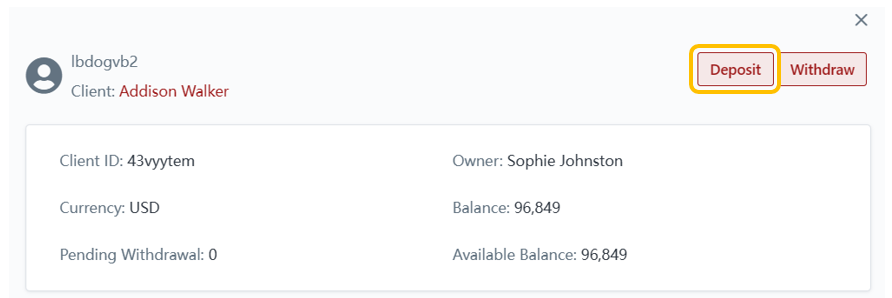
1. Brokers can deposit or withdraw funds from the client's wallet.
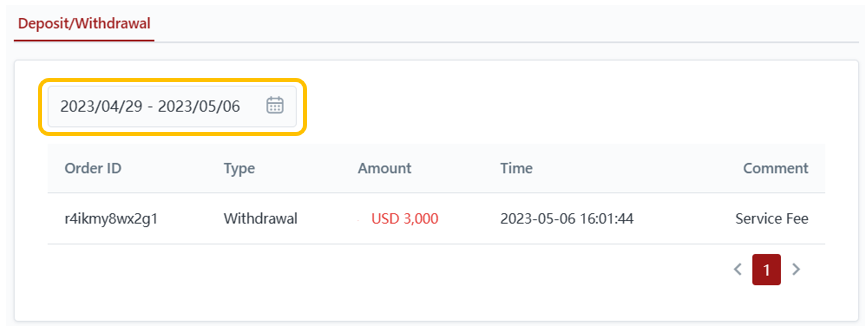
2. Brokers can filter the date range for the wallet's deposit and withdrawal history.