> For the complete documentation index, see [llms.txt](https://reference-guide.gitbook.io/crm-back-office-user-guide-abridged/llms.txt). Markdown versions of documentation pages are available by appending `.md` to page URLs; this page is available as [Markdown](https://reference-guide.gitbook.io/crm-back-office-user-guide-abridged/5.-clients/editing-clients/document-verification-and-authentication.md).
# Document Verification & Authentication
{% hint style="info" %}
This is an abridged version of the user guide, highlighting essential features. To access the full version with detailed steps, kindly reach out to your dedicated Account Manager.
{% endhint %}
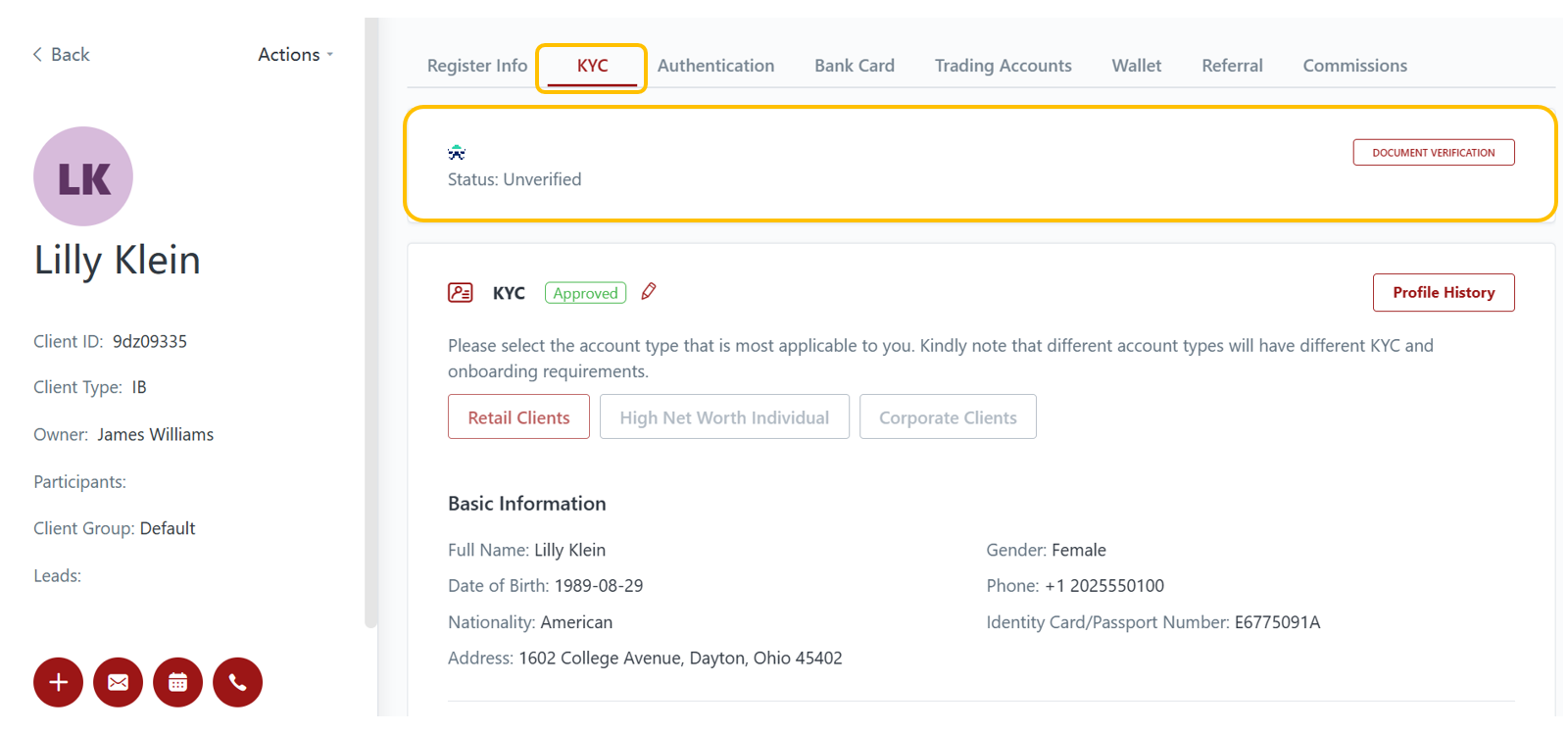
### 1) Document Verification
You are able to conduct document verification for your clients via SumSub (please refer to this section for more details: [SumSub Settings](/crm-back-office-user-guide-abridged/17.-settings/client-portal-kyc-settings/sumsub-settings.md)).
### 2) Authentication
You can also view the Authentication status of clients.